We Have MFA. So Why Are We Still at Risk?
You've done what you're supposed to do.
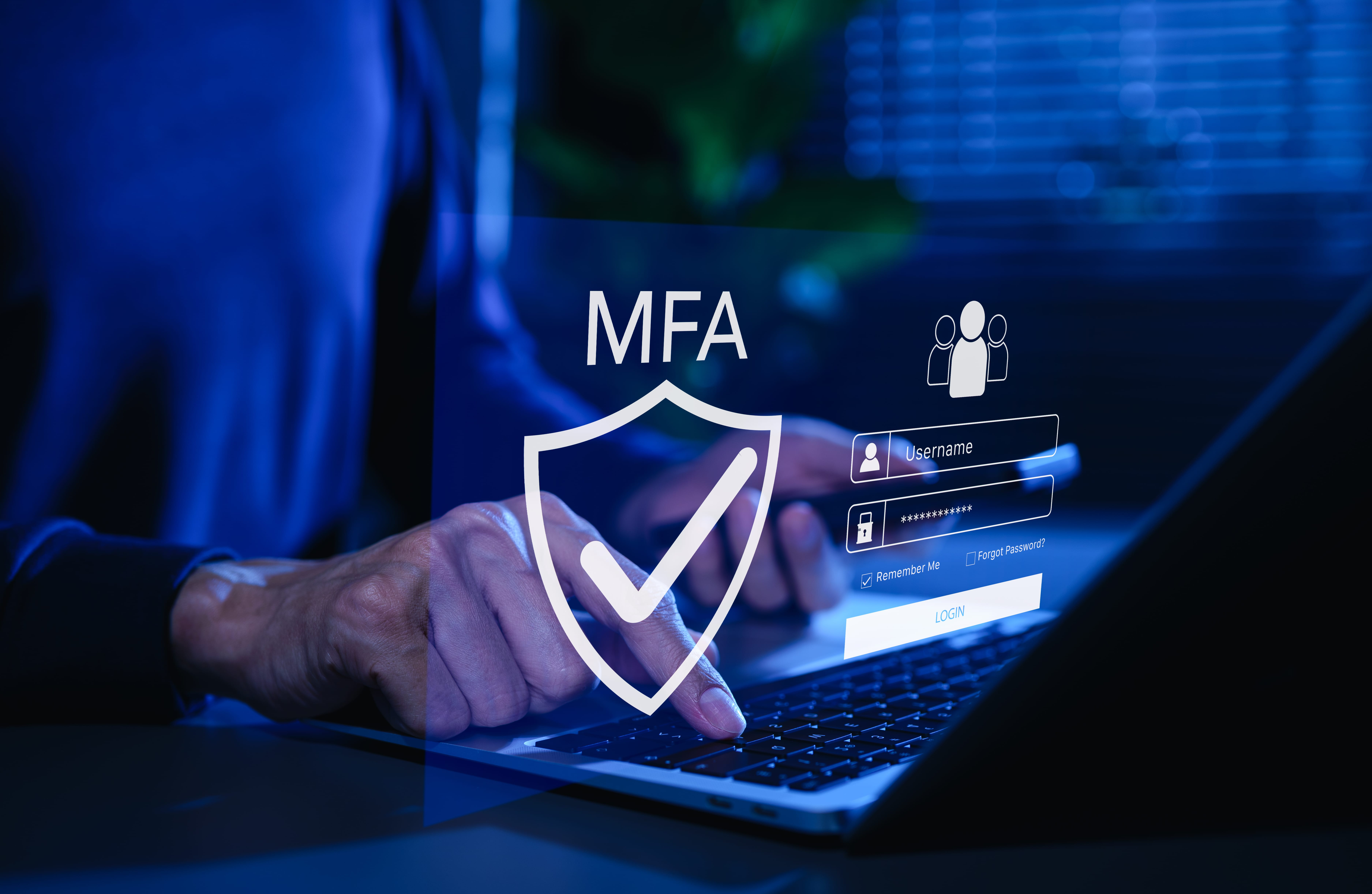
Your business uses multifactor authentication (MFA). Your employees know to expect that extra verification step when signing into their accounts. Your IT provider has reassured you that MFA helps protect your business against compromised passwords.
Good.
That's exactly the kind of proactive security measure businesses should be taking.
So imagine your surprise when someone tells you that a cybercriminal might still gain access to an employee's account without ever needing to complete that MFA challenge.
Wait. What?
Wasn't MFA supposed to prevent that?
Well, yes – and… no.
And understanding the difference could change the way you think about protecting your business.
You Locked the Front Door. What About the Visitor Badge?
Imagine running a business where everyone entering the building must present identification. Employees show their badges. Visitors check in at reception. Nobody gets past the front desk without authorization.
A sensible security measure.
Now imagine someone manages to obtain a legitimate visitor's badge after that person has already checked in. The security checkpoint worked exactly as intended. The visitor proved their identity. Yet someone else now possesses something the building recognizes as evidence of authorization. Therein lies the problem.
Modern business applications rely on a similar concept.
When an employee successfully signs into Microsoft 365, Google Workspace, or another cloud service, the system establishes a trusted session. That session helps employees move between emails, documents, and applications without repeatedly entering passwords and completing MFA. This easily overlooked mechanism is what makes everyday work practical. Unfortunately, attackers have developed techniques for targeting those trusted sessions.
The login can succeed. MFA can work. And the account can still become vulnerable afterward.
What Would That Mean for Your Business?
Let's bring this closer to home.
Imagine a small accounting firm preparing for a busy client deadline. An employee receives a convincing document-sharing request that appears to come from a familiar contact. They follow the link, encounter what appears to be a normal sign-in experience, and complete MFA. Everything seems routine. Yet, unknown to the employee, the link has taken them through an attacker-controlled authentication process designed to capture session information. Later, someone else may be able to access the employee's cloud account using that stolen session.
Depending on the protections in place, that access could expose confidential correspondence, client documents, or sensitive financial information.
Now the business faces questions nobody wants to answer during a busy workday.
- Who has accessed the account?
- What information might have been viewed?
- Were any messages sent or altered?
- How quickly can the business contain the problem?
And perhaps the most frustrating question of all:
How could this happen when we had MFA?
This hypothetical scenario illustrates a real attack technique. It doesn't mean every phishing message leads to a stolen session or that MFA has somehow become ineffective. It means cybersecurity involves more than verifying someone's identity at the front door.
Three Assumptions Worth Reconsidering
Business owners rarely have time to become cybersecurity specialists. They rely on IT professionals to recommend appropriate safeguards, explain important risks, and help them make informed decisions.
That's reasonable.
Yet certain assumptions can create an incomplete picture of security.
"Our employees have MFA, so their accounts are protected."
MFA provides an important layer of protection against unauthorized sign-ins.
What happens after a successful sign-in requires additional attention.
"Microsoft or Google takes care of our cloud security."
Cloud providers protect significant portions of the infrastructure behind their services.
Your business and its IT administrators still have responsibilities for account permissions, security settings, monitoring, and protecting business information.
"If something suspicious happens, our security software will catch it."
Security tools can detect many threats.
Yet detecting someone who appears to be using an already authenticated account can require different capabilities than detecting a malicious file on a computer.
The challenge isn't necessarily that a business lacks security.
It's that the business may not have a complete picture of what its existing security actually covers.
Five Questions to Ask Your IT Provider
You don't need to understand every technical detail of session hijacking to have a productive conversation about your business.
Start with five questions:
- If someone obtained an employee's authenticated session, what protections would help prevent or detect misuse?
- Are we monitoring Microsoft 365, Google Workspace, or other critical cloud applications for unusual account activity?
- Could we quickly revoke active sessions if an account appeared compromised?
- When did we last review our cloud security settings and employee access permissions?
- Are there practical improvements we could make using capabilities we already pay for?
These questions aren't intended to suggest your current protections have failed. They help reveal whether your cybersecurity strategy considers what happens before, during, and after someone logs in. For a business with five, ten, or fifteen employees, that kind of clarity can make a meaningful difference. It helps prioritize spending, reduce unnecessary complexity, and focus attention on the risks that matter most.
MFA Was Never Meant to Carry the Whole Load
Here's the important takeaway.
MFA remains a valuable cybersecurity safeguard. Businesses should continue using it and consider stronger forms of authentication where appropriate. The larger challenge involves understanding how all the pieces work together.
Your employees. Their devices. Their browsers. Your cloud applications. Your security settings. Your monitoring capabilities.
Each plays a role, and each deserves consideration when evaluating how well your business can withstand a cyber incident. That broader perspective forms the foundation of a security strategy built around your actual business risks - not simply a collection of security products.
Want to Understand What's Happening Beyond the Login Screen?
I've explored this issue in greater depth in a new thought leadership brief:
MFA Was Never Meant to Be Enough: Why Layered Security Matters More Than Ever
In the full article, we examine how attackers exploit trusted sessions, why browsers have become important security considerations, how AI influences modern attacks, and what layered security means for businesses working with real-world budgets.
You'll also find research from Microsoft, Sophos, CISA, and other security organizations, along with practical questions business leaders can use to evaluate their current cybersecurity approach.
Get the full article and take a more informed look at your business's security.
Mike Giovaninni, CISSP
Founder, NetWerks Strategic Services, LLC